
Effortless Multi-Account Management for Android Devices
Clone Master- Multi Dual Space, developed by CM Division, is a freemium Android utility for users who want to manage multiple accounts on a single device. It lets you clone common social, messaging, and gaming apps so you can stay signed in to more than one profile at the same time. The app focuses on keeping work and personal spaces separate, although running multiple clones can increase storage use and add some overhead compared to using a single account.
Top Recommended Alternative

Designed for Seamless App Management
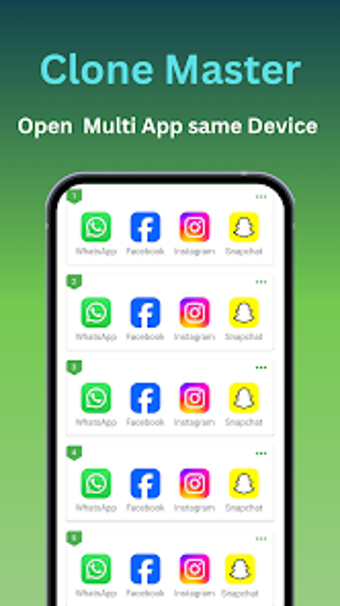
Clone Master- Multi Dual Space supports cloning across a wide range of everyday apps, helping you switch between profiles without logging out or carrying a second device. The setup flow stays straightforward, which makes it approachable for users who want results without digging through complex settings. Basic customization, such as giving clones different names and icons, helps reduce confusion when you manage multiple copies. However, app cloning does not work consistently for every service, especially apps with stricter login and security controls.
Privacy and Data Separation at Its Core
A key part of the experience is separating data between your main apps and cloned instances, which helps keep different accounts organized. That separation supports a cleaner boundary between personal and work usage, especially when you use the same type of app for both. The tool also highlights compatibility with recent Android versions as part of its usability focus. Despite that, the app’s privacy benefits mainly come from separation and organization rather than advanced security tools, so it’s best viewed as a convenience utility.
A Reliable Multi-Profile Utility
Clone Master- Multi Dual Space works well as a practical multi-account manager for social, messaging, and gaming use cases. The ability to create multiple app copies and label them clearly makes daily switching easier, which is a strong advantage for multitaskers. At the same time, cloned apps can take extra space and can run less smoothly on some devices when several instances stay active. The overall feature set stays focused on cloning and account separation rather than broader device management.
Focused and Effective for Multi-Account Needs
Overall, Clone Master- Multi Dual Space offers a straightforward way to keep multiple accounts active without constant logins and logouts. Its cloning and labeling tools support users who want clearer separation between profiles, especially for work and personal routines. Limits show up when certain apps resist cloning or when multiple instances put pressure on storage and performance. For day-to-day account switching, it stays a useful, focused option.

.png)